Decline to Sign Document For Free

Drag and drop document here to upload
Select from device
Up to 100 MB for PDF and up to 25 MB for DOC, DOCX, RTF, PPT, PPTX, JPEG, PNG, or TXT
Based on 12500+ reviews
Last updated on May 25, 2026

Decline to sign the document with pdfFiller

What is Decline to sign the document?

Declining to sign a document in pdfFiller refers to the option where a recipient can choose not to approve or sign a PDF that has been sent for their signature. This functionality is essential for maintaining control over document workflows, ensuring that only approved documents proceed through the approval hierarchy.

  • Empowers recipients to navigate signing decisions.
  • Maintains document integrity by preventing unqualified signatures.
  • Supports proper record-keeping and audit trails in workflows.

Why Decline to sign the document matters for document workflows

The ability to decline a signature ensures that documents reflect intentional decisions. This feature is critical in enhancing accountability and compliance in organizational settings where document integrity is paramount. By allowing users to decline to sign, pdfFiller enhances the overall user experience and streamlines the decision-making process.

  • Improves decision-making by ensuring only qualified signatures.
  • Enhances accountability by keeping a record of declines.
  • Facilitates compliance with organizational policies.

Core features of Decline to sign the document in pdfFiller

pdfFiller provides a user-friendly interface that allows individuals and teams to handle documents efficiently. Key features surrounding the decline to sign functionality include notification systems, customizable options for declining, and accessible records of all actions related to the document's lifecycle.

  • Customizable decline messages for clarity.
  • Real-time notifications to document senders of the decline status.
  • Integrated audit logs for comprehensive tracking.

How are Decline to sign modes different: SendToEach vs SendToGroup?

Understanding the different modes of sending documents for signatures is crucial. 'SendToEach' allows each recipient to act independently, while 'SendToGroup' involves multiple recipients who can see each other’s responses. This can influence decision-making and response timelines.

  • 'SendToEach' facilitates individual review and declines.
  • 'SendToGroup' encourages collective oversight and group accountability.

What about security, authentication, and compliance for Decline to sign the document?

pdfFiller prioritizes security and compliance, integrating robust authentication methods to verify the signer’s identity. This feature helps ensure that any declines are legitimate, maintaining the integrity of the document workflow.

  • Compliant with major regulations such as GDPR and HIPAA.
  • Multiple authentication options including password protection and two-factor authentication.

How to set signer order and roles

Establishing the order in which signers receive the document streamlines the signing process. Administrators can set roles such as 'signer,' 'approver,' or 'decliner,' ensuring clarity at every stage of the approval chain.

  • Define signer roles in the document setup.
  • Arrange signers in a logical order to optimize workflow.

How to use Decline to sign the document: a step-by-step guide

Using pdfFiller to decline signing a document is straightforward. Here’s a simple guide to navigate the process:

  • Open the PDF document sent to you.
  • Click on the decline button located on the interface.
  • Select a reason (optional) and type a message if needed.
  • Confirm your decline and submit.
  • You’ll receive a confirmation notification once completed.

What tracking, notifications, and audit logs are available for Decline to sign the document?

Tracking and notifications enhance the document management experience. pdfFiller's audit logs provide a detailed history of all actions taken regarding a document, including declines, preserving the transparency of document workflows.

  • Real-time tracking of document status from sent to signed or declined.
  • Notifications are automatically sent to all parties regarding the decline.
  • Comprehensive audit logs that capture every step.

What are typical use-cases and industries leveraging Decline to sign the document?

Various industries utilize the decline to sign functionality to manage their document workflows effectively. These include legal firms, financial institutions, healthcare organizations, and real estate agencies, all benefiting from maintaining control over document integrity.

  • Legal firms managing complex contracts.
  • Financial institutions requiring strict compliance checks.
  • Healthcare providers securing patient consent forms.

Conclusion

Knowing how to decline to sign a document using pdfFiller is crucial for maintaining the integrity of document workflows. By utilizing this feature, users can improve compliance, accuracy, and accountability within their teams. Integrating this functionality into your daily document management practices is essential for enhancing overall efficiency.

Try these PDF tools

Edit PDF
Quickly edit and annotate PDFs online.
Sign
eSign documents from anywhere.
Request signatures
Send a document for eSignature.
Share
Instantly send PDFs for review and editing.
Merge
Combine multiple PDFs into one.
Rearrange
Rearrange pages in a PDF document.
Compress
Compress PDFs to reduce their size.
Convert
Convert PDFs into Word, Excel, JPG, or PPT files and vice versa.

Collect legally binding electronic signatures the easy way

Edit, sign, send — done!

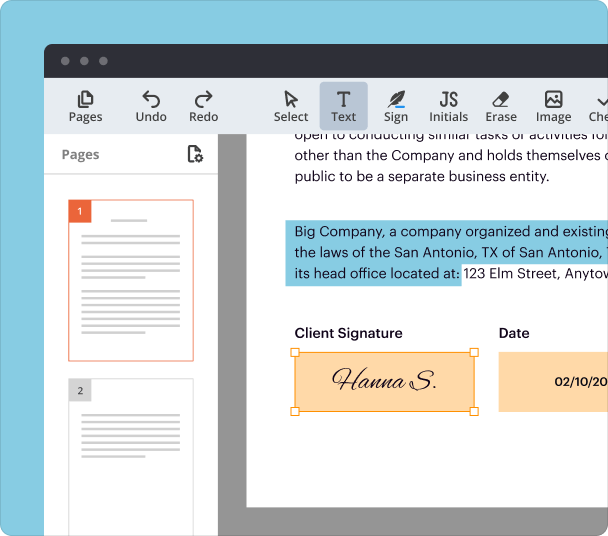
Quickly edit documents online, add signatures, and send for signing — all from one easy-to-use solution you can access from anywhere.

Screen

Customize your workflow

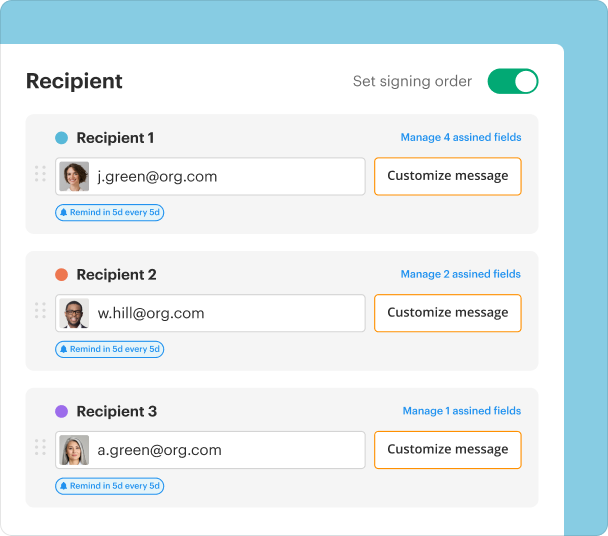
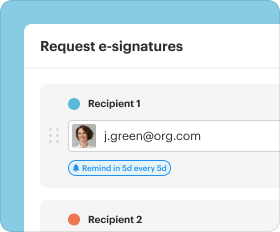
Send documents to a single recipient or an entire group. Assign roles, set a signing order, and schedule reminders for a smooth, error-free process.
Screen

Collect data efficiently

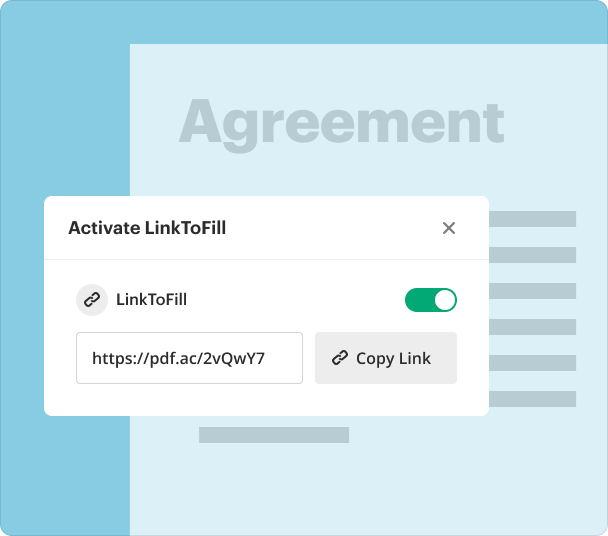
Create fillable PDF forms and let your recipients complete them from any device. Publish forms online or share them via a direct link to capture data and signatures without chasing people down.
Screen

Track and store documents

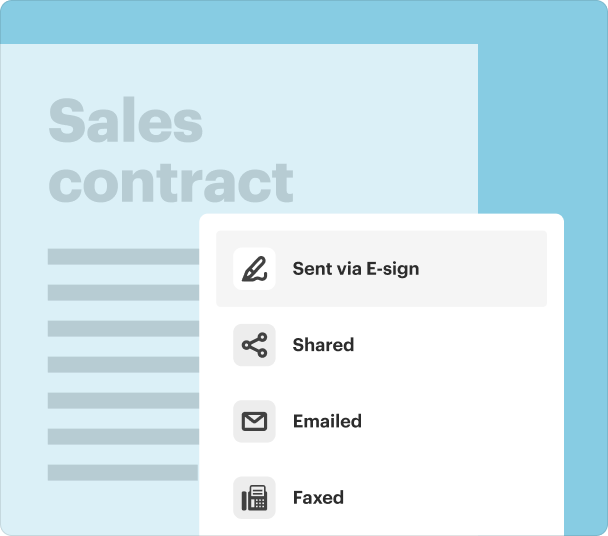
Get real-time visibility into the signing process and keep track of all your documents in one place. Your files are stored in secure cloud storage, so you can access them anytime and anywhere.
Screen

Share & collaborate

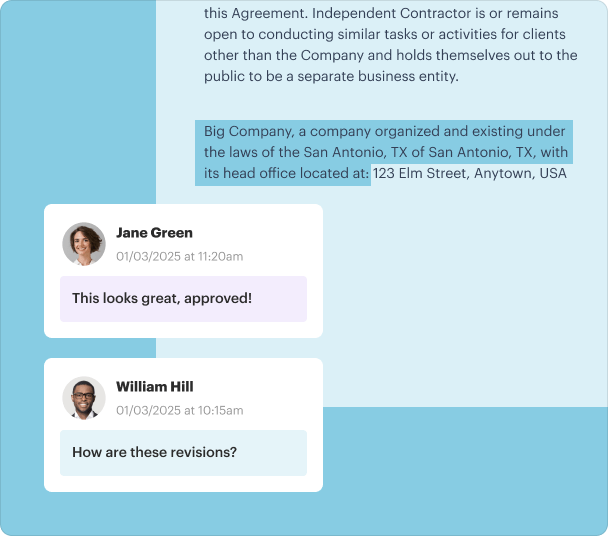
Need more eyes on a document before sending? Share it with the team to edit or highlight content, redact sensitive information, leave feedback, and exchange comments.
Screen

Maintain security & compliance

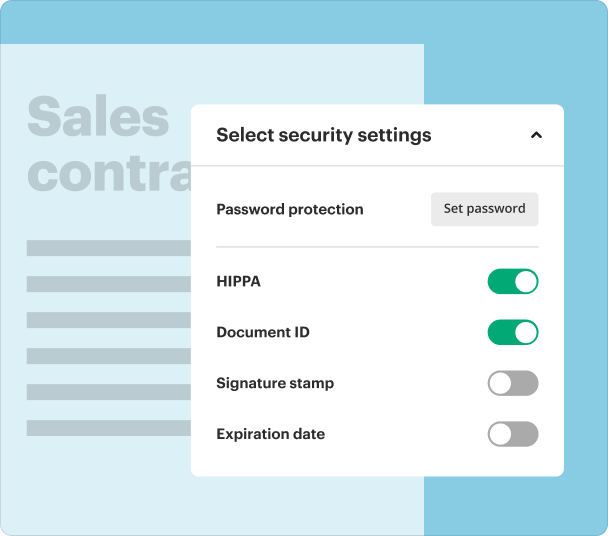
Collect signatures in compliance with ESIGN, UETA, eIDAS, and GDPR. Protect your documents with a password, request additional signer authentication, set document expiration dates, and more.
Screen

How to send a document for signature?

Illustration

Upload

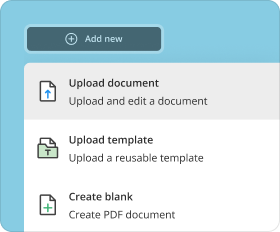
Upload your document to pdfFiller and click E-sign.
Illustration

Add recipients

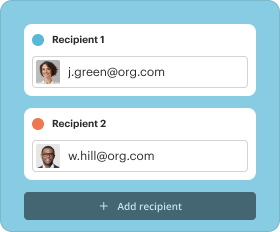
Choose who needs to sign and add as many recipients as you need.
Illustration

Prepare

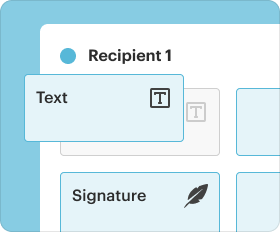
Drag and drop fillable fields on your document and assign them to specific recipients.
Illustration

Finalize & send

Review your recipients, customize the signing order, set reminders, and hit Send.
Upload your document

Who needs this?

Explore how professionals use pdfFiller to get documents signed.
Sales
Human Resources
Legal
Real Estate
Education
Finance
Sales

Sales

Quickly edit contracts, add eSignatures, and send them to clients or vendors for signing without leaving pdfFiller. Track who has signed and who still needs to take action, keeping your business running smoothly.
  • Service agreements
  • Vendor contracts
  • Non-disclosure agreements (NDAs)
  • Purchase orders
Human resources

Human Resources

Create fillable PDF forms for offer letters, employment contracts, and onboarding documents. Let new hires complete and sign them from any device, making the onboarding process accessible and hassle-free for everyone.
  • Offer letters
  • Employment contracts
  • Non-compete agreements
  • Benefits enrollment forms
Real estate

Real Estate

Edit property agreements, add signature fields, and send them to buyers, sellers, or agents for signing. Send documents to a single recipient or an entire group, and track the signing process in real time to ensure timely closings.
  • Purchase agreements
  • Lease contracts
  • Property disclosure forms
  • Inspection reports
Education

Education

Create fillable forms for permission slips, enrollment documents, or policy acknowledgments. Allow parents, students, or staff to complete and sign them from any device. Keep track of all signed documents in one secure place for easy access and compliance.
  • Permission slips
  • Enrollment forms
  • Scholarship applications
  • Teacher contracts
Finance

Finance

Edit financial agreements, add eSignatures, and send them to clients or stakeholders for signing. Allow clients to complete and sign online digital forms from anywhere to simplify loan applications, account openings, and authorizations.
  • Loan agreements
  • Investment contracts
  • Financial statements
  • Payment authorizations

Why sign documents with pdfFiller?

GDPR
AICPA SOC 2
PCI
HIPAA
CCPA

Ease of use

Users appreciate pdfFiller's intuitive interface and the ability to manage documents from anywhere without clunky desktop software.

More than eSignature

pdfFiller is a complete solution that offers PDF editing, eSignature, file storage, and collaboration under one roof.

For individuals and teams

Whether you work solo or with a team, pdfFiller equips you with all the tools to handle your daily document tasks.

Collect signatures with a trusted, all‑in‑one solution

Try easy-to-use tools for all your document management needs.
Upload your document

pdfFiller scores top ratings on review platforms

Users Most Likely To Recommend - Summer 2025
Grid Leader in Small-Business - Summer 2025
High Performer - Summer 2025
Regional Leader - Summer 2025
So far so good thou I only used it to print out claims I do like the features it has. I should be upgrading my account in the next couple of months if all goes well.
Georgina M
I am an old school person, but found your form so easy to use. I travel a lot so I will be using a lot. Thank you so much for simplfying the process.
Anonymous Customer
What do you like best?
Free ability to fill and sign documents from any computer
What do you dislike?
Inserting images is not intuitive, and no mechanism to copy-paste fields within and between documents.
Recommendations to others considering the product:
Use this!
What problems are you solving with the product? What benefits have you realized?
It is one of my most frequently-used online tools. It has spared me needing to have a scanner.
User in Medical Practice
Great value and product Program was formatted well and easy to use for the most part. I was able to complete my revisions within no time and get it to our clients! I had a few issues with figuring out how to use certain features and how to save the file in a certain format.
Joshua J.
Amazing customer service I tried it a while ago, and something went wrong when cancelling my subscription (maybe me...). I got charged for the service anyway, but then asked for a refund. The support team was extremely responsive and useful, I'm really happy about their service. Excellent!
Jacques Knipper
I am very impressed with PDF filler and its features. i am not the most computer literate person and i do have a bit of trouble navigating around the program so a demo of some kind would help me a lot if there is one that i can watch. I guess its just a case of playing around with it but there's probably loads of easy shortcuts that i could use if i knew about them .
Chris B
Show more Show less

Watch pdfFiller eSignatures in action

Check out a quick video tutorial that shows how to create and place your signature or send a document for signing.

FAQs

If you can't find what you're looking for, please contact us anytime!
To decline to sign a document with pdfFiller, simply click on the 'Decline' option when prompted during the signing process. This action sends a notification to the document sender and allows you to provide a reason for your decision. If you wish to offer feedback, you can include a message before submitting your decline. This ensures transparency and helps improve future interactions when you decline to sign the document.
Declining to sign a document typically means that you do not agree with the terms or conditions presented. In legal contexts, this may have significant implications, as it indicates your refusal to engage with the proposal. Additionally, when you decline to sign the document via pdfFiller, it's crucial to document your reasons for decline, as these can be useful for legal accountability or future negotiations.
No, in pdfFiller, declining to sign a document will automatically notify the sender. This transparency is essential for maintaining professional relationships. If you prefer not to notify the sender of your decision, you might consider not opening the document to avoid triggering the decline notification. However, it's always best practice to communicate openly, especially if you are declining to sign the document due to specific concerns.
If you have security concerns regarding the document you are asked to sign, it's critical to communicate these issues clearly when you decline to sign the document. Use pdfFiller's commenting feature to explain your concerns directly. This approach allows for necessary adjustments or discussions about security protocols, which can lead to a safer, revised document. Always prioritize your security and privacy when dealing with sensitive documents.
If you decline to sign a document in pdfFiller, you are presented with options to provide feedback and suggest revisions. Utilizing pdfFiller's document automation features, you can propose changes directly within the document layout before sending it back to the sender for further negotiation. This collaborative approach can enhance communication and lead to a more satisfactory outcome for both parties involved.
To minimize requests for documents that you may decline to sign, consider setting communication preferences in your pdfFiller account. By managing your notification settings and only accepting requests from specific contacts, you can control the documents you engage with. This way, you can significantly reduce the chances of receiving documents you might want to decline to sign.

Collect signatures with a trusted, all‑in‑one solution

Try easy-to-use tools for all your document management needs.
Upload your document
Rate this tool
4.1
satisfied
30 votes