Up to 100 MB for PDF and up to 25 MB for DOC, DOCX, RTF, PPT, PPTX, JPEG, PNG, JFIF, XLS, XLSX or TXT
Note: Integration described on this webpage may temporarily not be available.
Based on 12500+ reviews
Last updated on
May 29, 2026
Try these PDF tools
Edit PDF
Quickly edit and annotate PDFs online.
Start now
Sign
eSign documents from anywhere.
Start now
Request signatures
Send a document for eSignature.
Start now
Share
Instantly send PDFs for review and editing.
Start now
Merge
Combine multiple PDFs into one.
Start now
Rearrange
Rearrange pages in a PDF document.
Start now
Compress
Compress PDFs to reduce their size.
Start now
Convert
Convert PDFs into Word, Excel, JPG, or PPT files and vice versa.
Start now
All-in-one PDF converter: Convert, edit, sign, and manage documents
Convert and edit docs in one place
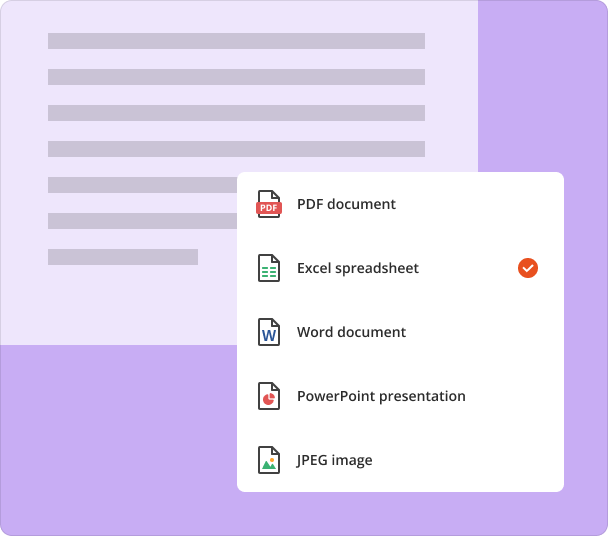
Upload your document, make quick edits online, and save it as a PDF, text document (DOCX), spreadsheet (XLSX), image (JPEG/PNG), or presentation (PPTX).
Equip yourself with powerful PDF tools
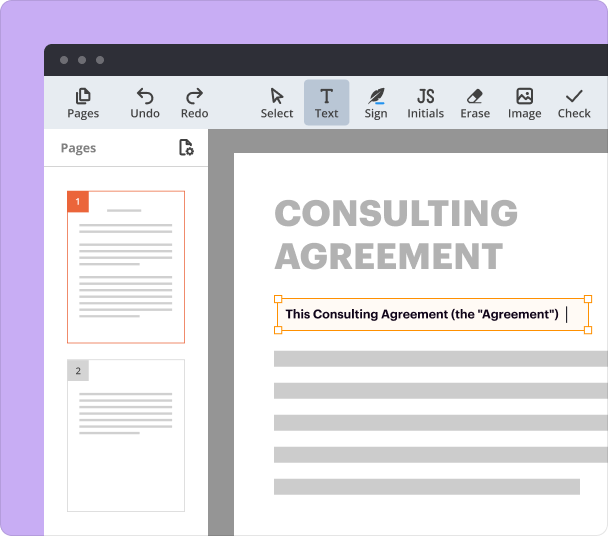
Edit PDFs online almost as easily as Word documents. Add text, adjust formatting, replace content, insert images, and more.
eSign and send documents
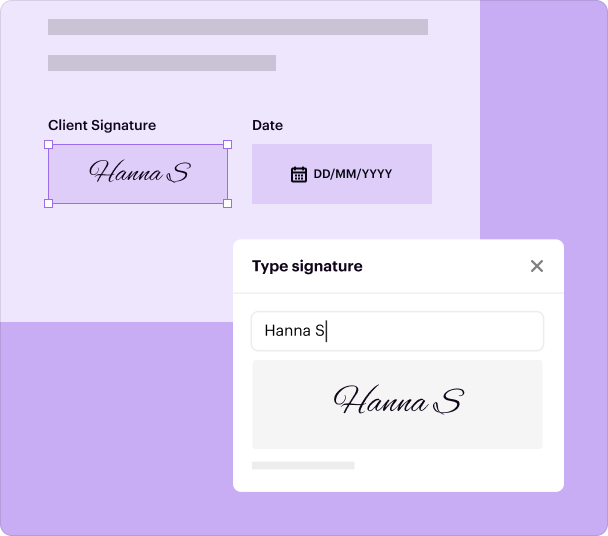
Sign documents on your own or send them to others for signatures, whether a single recipient or an entire group.
Annotate & collaborate
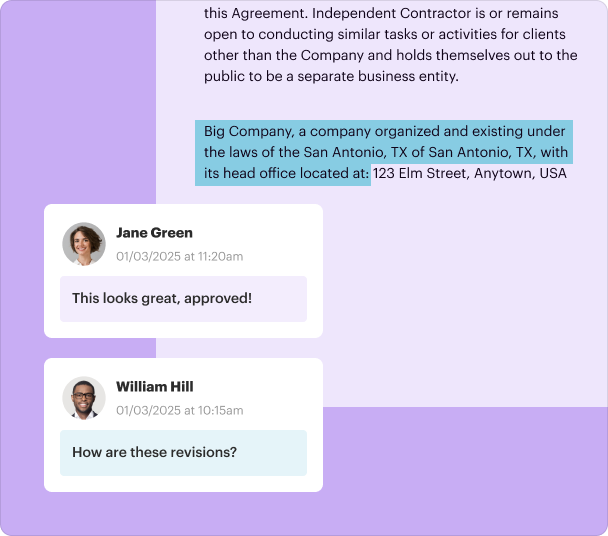
Highlight important data, redact sensitive details, add sticky notes, and exchange comments in your PDFs. Then, instantly send documents for review or editing.
Collect data without chasing people down
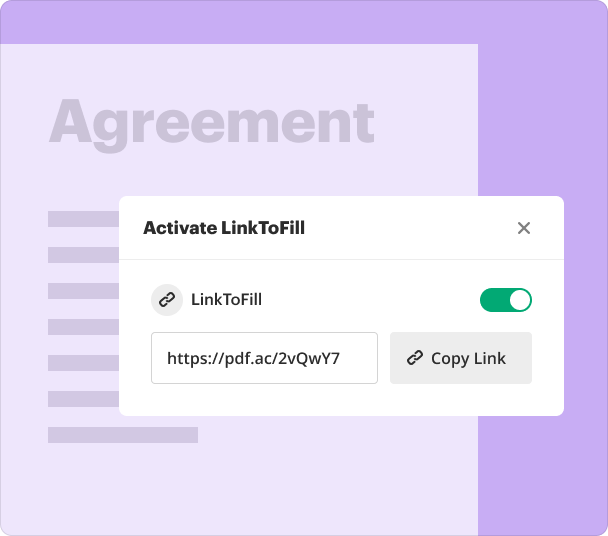
Create fillable PDF forms and let others complete them from any device. Publish forms online or share them via a direct link to capture data and signatures.
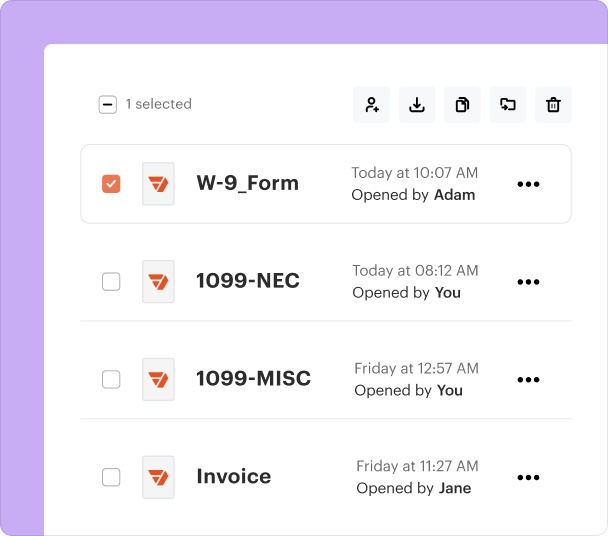
Store files securely in the cloud
Organize your documents and templates in secure cloud storage and access them from anywhere. pdfFiller follows strict security regulations to help safeguard your data.
How to convert your PDF?
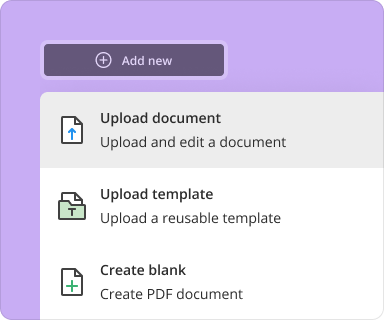
1. Upload your document
Upload a document from your device, cloud storage, email, or URL.
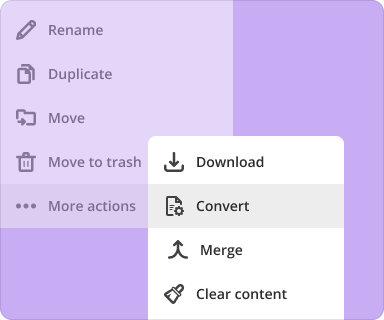
2. Use the conversion tool
Select your document and click More>More actions>Convert.
3. Select format and destination
Choose the file format and decide where to save the converted document.
Upload your document
Who needs this?
Explore how professionals across industries use pdfFiller to convert PDFs online.
Real Estate
Education
Human Resources
Legal
Hospitality
Sales
Real Estate
Real estate agents and brokers rely on pdfFiller to edit and annotate brochures, lease agreements, and contracts. They can easily convert documents to formats like JPEG, PDF, DOCX, or XLSX for quick sharing and signature collection.
Property listing brochures
Lease agreements
Sales contracts
Property management forms
Education
pdfFiller makes it easy for educators and administrators to edit, annotate, and convert educational materials into various formats. With easy-to-use collaboration tools, pdfFiller helps keep students and teachers connected and organized.
Lesson plans
Student enrollment forms
Class schedules
Grant proposals
Human Resources
HR teams use pdfFiller to edit and annotate employee documents, ensuring they are tailored to specific roles and processes. Converting these documents into different formats simplifies onboarding and record-keeping.
Employment contracts
Onboarding documents
Application forms
NDAs
Legal
Law firms, legal professionals, and corporate legal teams use pdfFiller to edit, annotate, and convert legal documents into various formats, ensuring accuracy, compliance, and efficiency in their workflows.
Affidavits
Power of attorney forms
Wills and trusts
Partnership agreements
Hospitality
Hotels, restaurants, and travel agencies use pdfFiller to edit, annotate and share promotional and operational documents. Converting these documents into various formats enhances guest communication and internal processes.
Reservation forms
Travel itineraries
Event brochures
Guest feedback forms
Sales
Sales teams use pdfFiller to edit and annotate proposals and contracts, then convert them into text documents (DOCX), spreadsheets (XLSX), images (JPEG/PNG), or presentations (PPTX) to ensure faster client communication and deal closures.
Upload a document in DOC, DOCX, RTF, PPT, PPTX, JPEG, PNG, JFIF, XLS, XLSX, or TXT format and instantly convert it to a high-quality, editable PDF. You can edit or sign your file, turn it into a fillable form, split it, or merge it with another document.
Convert documents in batches
Bundle several documents together and convert them all in one go - no need to process each file individually. Bulk conversion saves time and helps you organize your digital documents.
Preview and manage pages
Before converting your document, review and remove any unnecessary pages to keep it as clean as possible. Excluding pages you don’t need is a great way to reduce file size without sacrificing quality.
Convert documents with a trusted solution
Try easy-to-use tools for all your document management needs.
Upload your document
pdfFiller scores top ratings on review platforms
After being turned off by the original warning about not being able to submit the forms to the government, which I think is CONFUSING, I kept digging in and found that once you pay they are acceptable. Now LOVE IT
Anonymous Customer
Having the capability to complete my documents on line and print makes my job run more effective and efficient. When I utilize many of the same forms multiple times it is very time saving to be able to go in make the necessary changes and print. This programs saves valuable work time, and keeps me organized.
Ms. M
Though it appears to require a very…
Though it appears to require a very fast internet provider in order to use it properly, I am satisfied and would highly recommend it.
lizzalee422
For pdfiler
.......
It's available online and has app it is very simple to use
That most service I mean the premium most needed things has to be paid for
Leann T.
Really easy to use
The web interface is really easy to use.
The "wow" feature for me is that you can setup a default signature and copy and paste it on documents as you need.
This has saved me from losing time with some legal documents I need to sign while I'm away.
Dereck K
dont have time to write down proper review, however all necessary features is present, the only lacking feature is to change XML to PDF and from PDF to XML
Tony K
Show more
Show less
Watch our PDF converter in action
Check out a quick video tutorial that shows how to convert any file into an editable PDF in three easy steps.
What are the best methods to convert a picture to PDF online?
The most efficient way to convert a picture to PDF online is through specialized platforms like pdfFiller. Start by uploading your image, then select 'Convert'—this process is secure and user-friendly. Using cloud-based services ensures cross-platform compatibility, allowing access from any device. For best results, ensure your picture is of high quality to maintain resolution in the PDF format.
How can I ensure the security of my images when converting them to PDF online?
To ensure the security of your images during the conversion process, use reputable platforms like pdfFiller that implement advanced security protocols. Look for features like end-to-end encryption and compliance with data protection regulations. Before uploading, check if the site has a clear privacy policy to safeguard your information while you convert a picture to PDF online.
Can I convert multiple pictures to PDF at once using online tools?
Yes, you can easily convert multiple pictures to PDF at once using online tools like pdfFiller. Simply select multiple images during the upload process, and they will be processed together. This feature is particularly useful for remote professionals who need to compile documents efficiently. Be sure to review the output to ensure the layout meets your requirements once you convert a picture to PDF online.
What file types can I convert to PDF online, aside from pictures?
In addition to images, most online converters like pdfFiller support various file types, such as Word documents, Excel spreadsheets, and PowerPoint presentations. Transitioning multiple formats into PDF is crucial for document automation and management. Always verify that your files are saved correctly after conversion to maintain their original quality.
Is it possible to edit a converted PDF after changing a picture to PDF online?
Absolutely! After you convert a picture to PDF online using pdfFiller, you can use its extensive editing features to modify your PDF as needed. This includes adding text, annotations, and signatures, which is beneficial for legal teams and SMEs. Editing a converted PDF ensures that your document serves its intended purpose effectively and accurately.
What are the benefits of using pdfFiller for converting a picture to PDF online?
Using pdfFiller to convert a picture to PDF online offers numerous benefits such as ease of use, cloud accessibility, and comprehensive editing tools. The platform’s collaborative features allow teams to work together seamlessly on documents. Additionally, pdfFiller's secure environment guarantees your files remain protected throughout the conversion process, making it a trusted choice for professionals.
Are there any limitations when converting pictures to PDF online?
While converting pictures to PDF online using platforms like pdfFiller is generally straightforward, there can be limitations such as file size restrictions or the number of images processed simultaneously. It's important to check the platform's guidelines to avoid potential issues. However, these limitations are often minimal and can be effectively managed by optimizing your images before conversion.
Convert documents with a trusted solution
Try easy-to-use tools for all your document management needs.